
Software Versions (UI: UX-2438, IoT: 3.4.0)
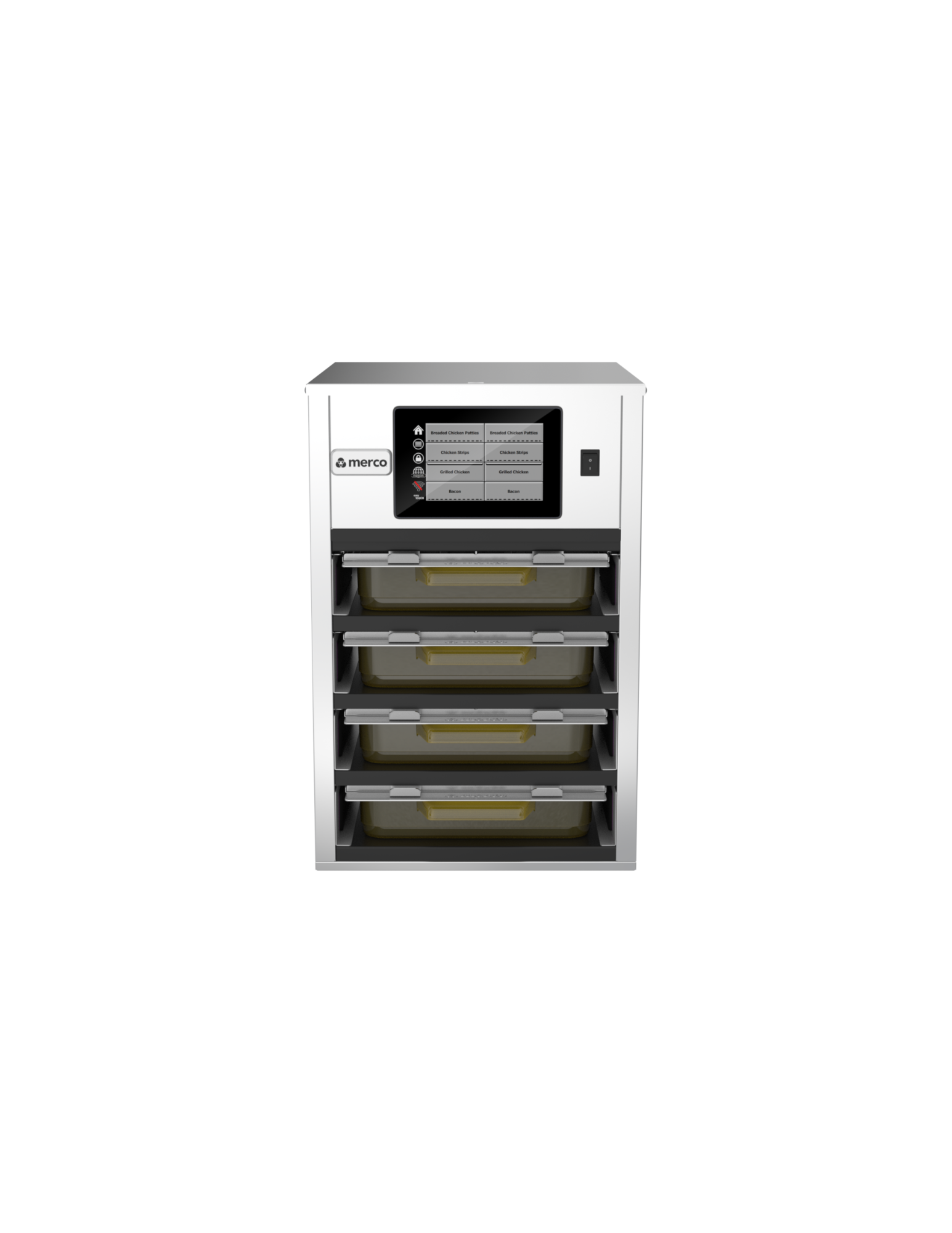
| Model Number | Cabinet Display Type |
|---|---|
| MHA32SSL1W | Single-Sided |
| MHA32SSL2W | Double-Sided(PRIMARY)Loads software to both UI's |
| MHA32SSL2W | Double-Sided (SECONDARY) Loads software ONLY to the REAR UI. (DO NOT use this software unless you understand how to load it!) See instructions below to load SECONDARY software ONLY below. DO NOT load this software thorough the FRONT USB port on the cabinet!!!!!!!!! |
| MHD32SST1T | Single-Sided "ROAST BEEF ONLY" |
| MHD32SST1T | Single-Sided "BURGER & ROAST BEEF" |
| MHD32SST2T | Double-Sided(PRIMARY)Loads software to both UI's "ROAST BEEF ONLY" |
| MHD32SST2T | Double-Sided(PRIMARY)Loads software to both UI's "BURGER & ROAST BEEF" |
| MHD32SST2T | Double-Sided (SECONDARY) Loads software ONLY to the REAR UI. (DO NOT use this software unless you understand how to load it!) See instructions below to load SECONDARY software ONLY below. DO NOT load this software thorough the FRONT USB port on the cabinet!!!!!!!!! |
| MHD42SSL1T | Single-Sided "ROAST BEEF ONLY" |
| MHD42SSL1T | Single-Sided "BURGER & ROAST BEEF" |
| MHD82SST1T | Single-Sided |
NOTE: The software can ONLY be loaded to a USB 2.0 drive 32gb or smaller and formatted to FAT32 through a PC or laptop. It can NOT be loaded through a tablet.
*******Click on the links below for instructions on how to unzip the file and how to update the software on the holding cabinet.******
Software Unzipping Instructions - How to unzip and copy files to a USB drive
Software Update Instructions for loading through the front USB port.
Software Update Instructions for loading ONLY SECONDARY software through the REAR UI USB PORT on the REAR of the REAR UI (controller).
If you do not clearly understand any of the steps to download or unzip the software, or if you have any questions please call 1-877-392-7770 for assistance.